Email Signatures For Personal Assistants: Templates & Tips
Create an email signatureEnhance your email communication with a polished assistant manager or executive assistant email signature. Add a smart email footer that lets recipients book meetings or calls with you or your boss right from their inbox.

How to create the professional personal assistants email signature
A well-crafted personal assistant email signature can instantly boost professionalism, build trust, and make it easier for people to connect with you. Here’s how to create one that works as hard as you do:
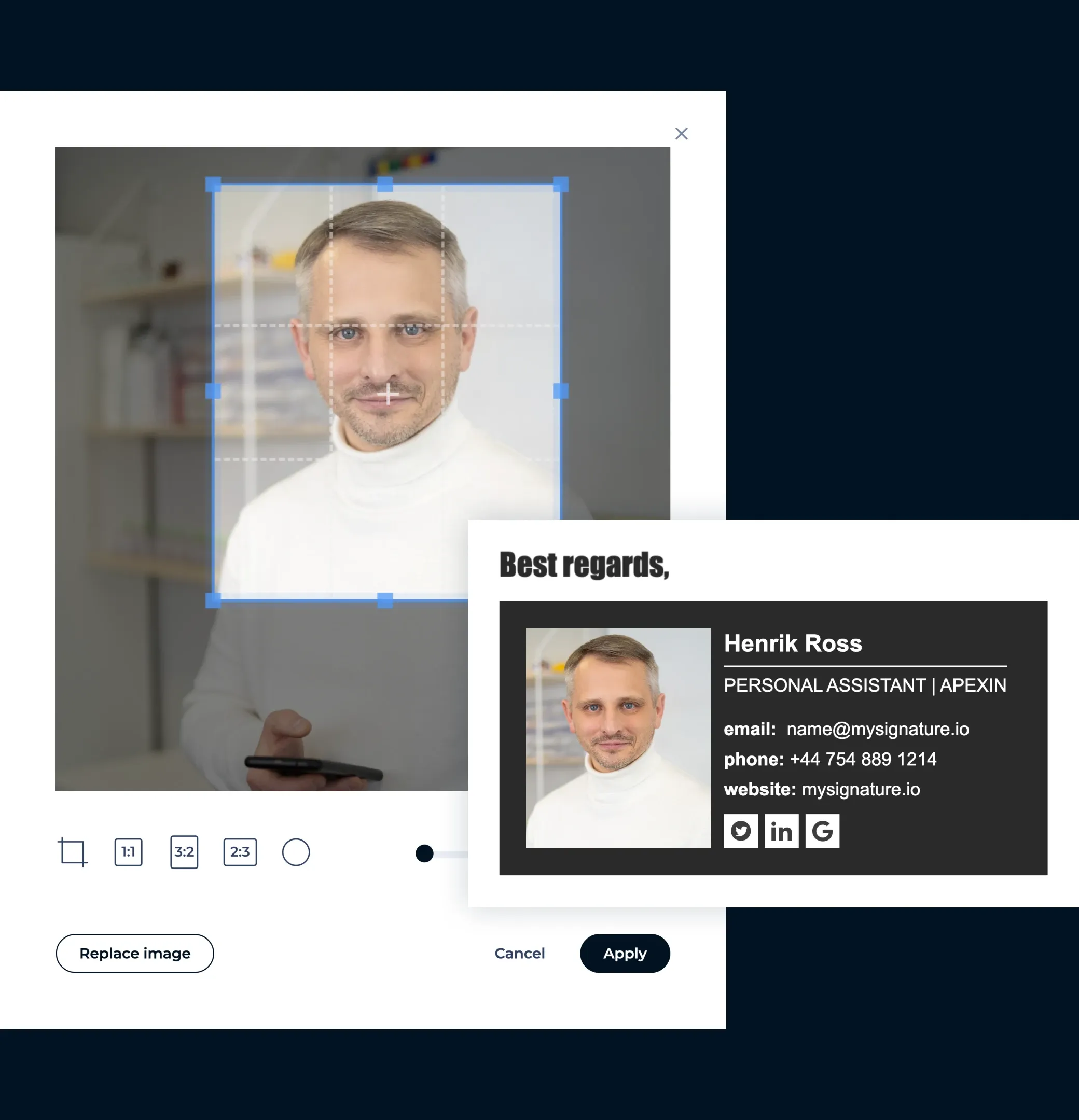
Add a professional photo
A friendly, high-quality headshot or your company’s logo can increase trust and recognition. Studies show a photo in your signature can boost response rates by up to 20%.
Company name or the person you represent
Clearly state the company you work for or the executive you support. Mentioning their name alongside yours adds credibility and makes it easier for recipients to place you in context.

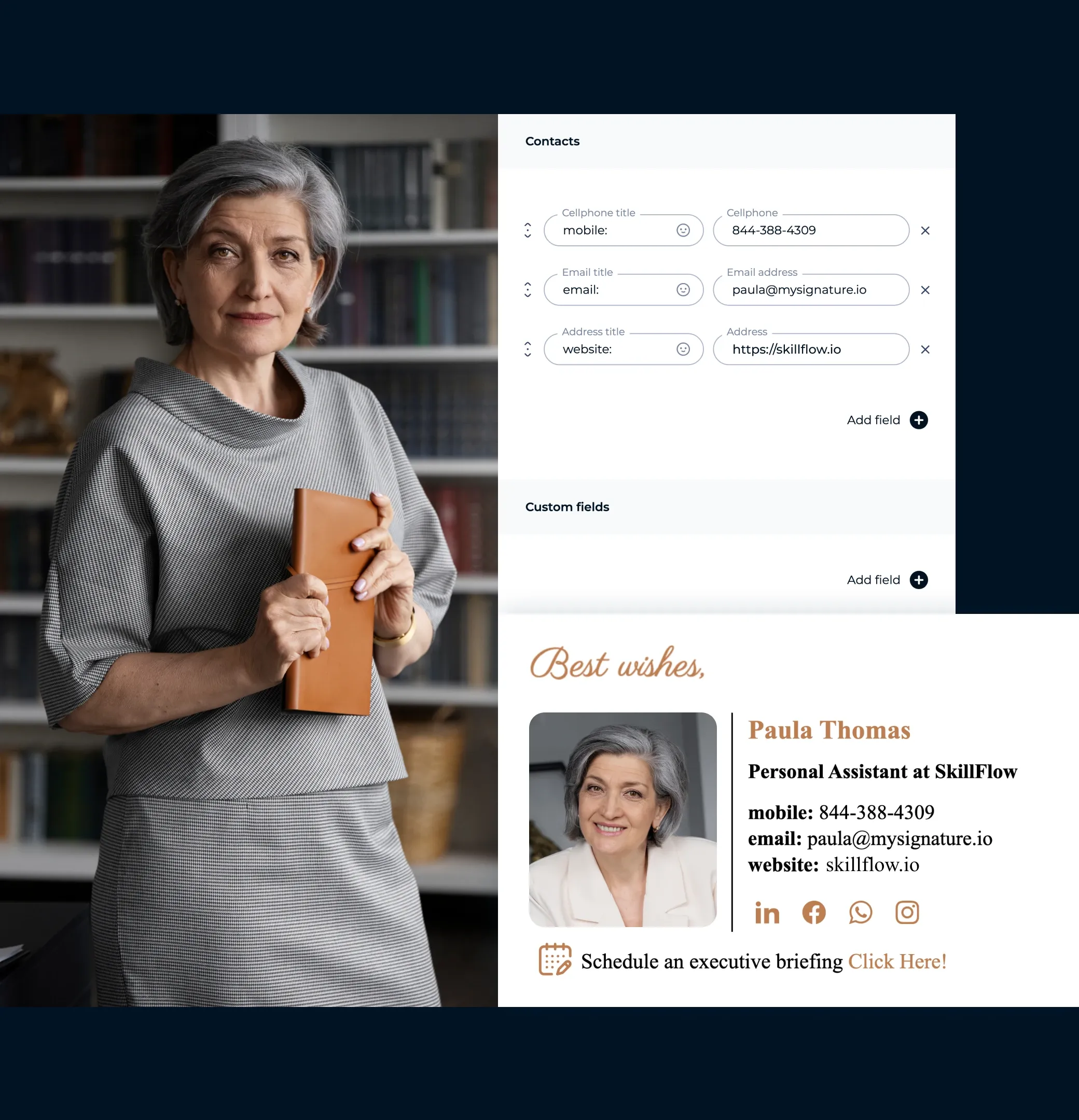
Add the necessary contact information
Include your main email address, direct phone number, and company website. These essentials make communication smooth and effortless.
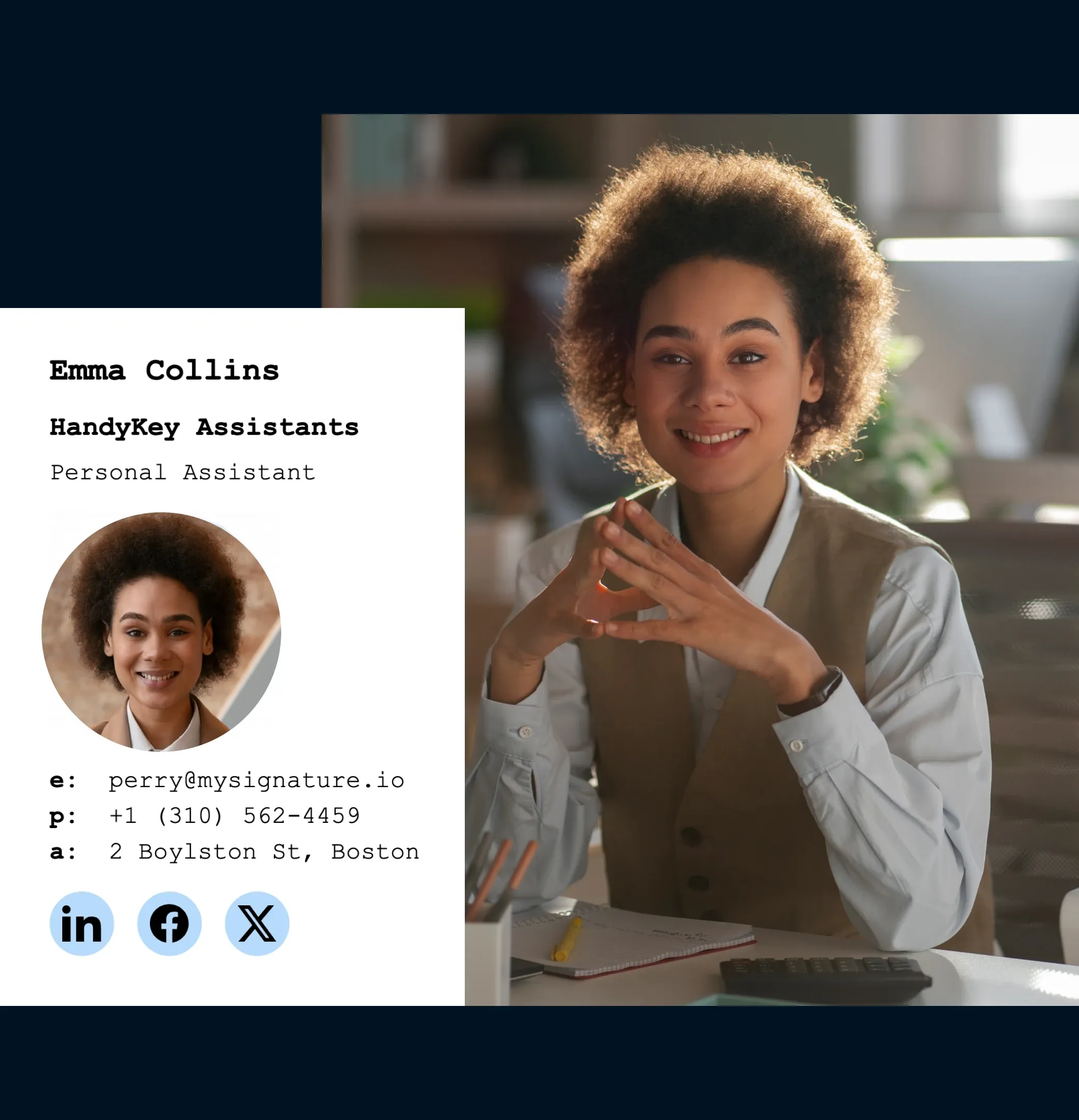
Physical address, if necessary
If your role involves in-person meetings or event coordination, adding your office address can help contacts find you easily and adds a layer of trust.
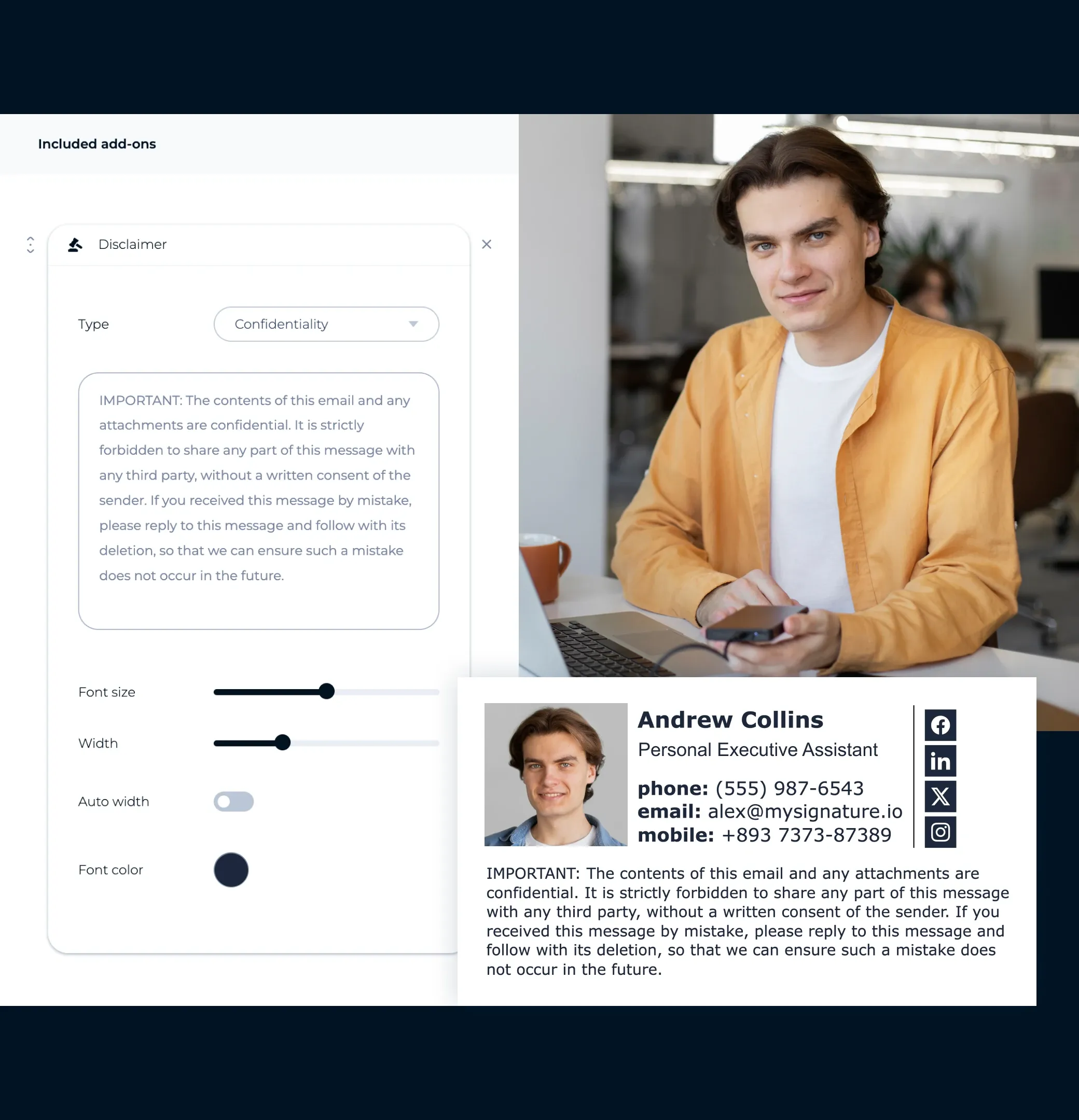
Add a legal disclaimer
If your work involves sensitive information or scheduling for high-profile individuals, a short disclaimer can help set boundaries and manage expectations.
Don’t overload your signature
Keep it clean, simple, and easy to scan. Avoid unnecessary quotes or flashy elements that take attention away from your key details.
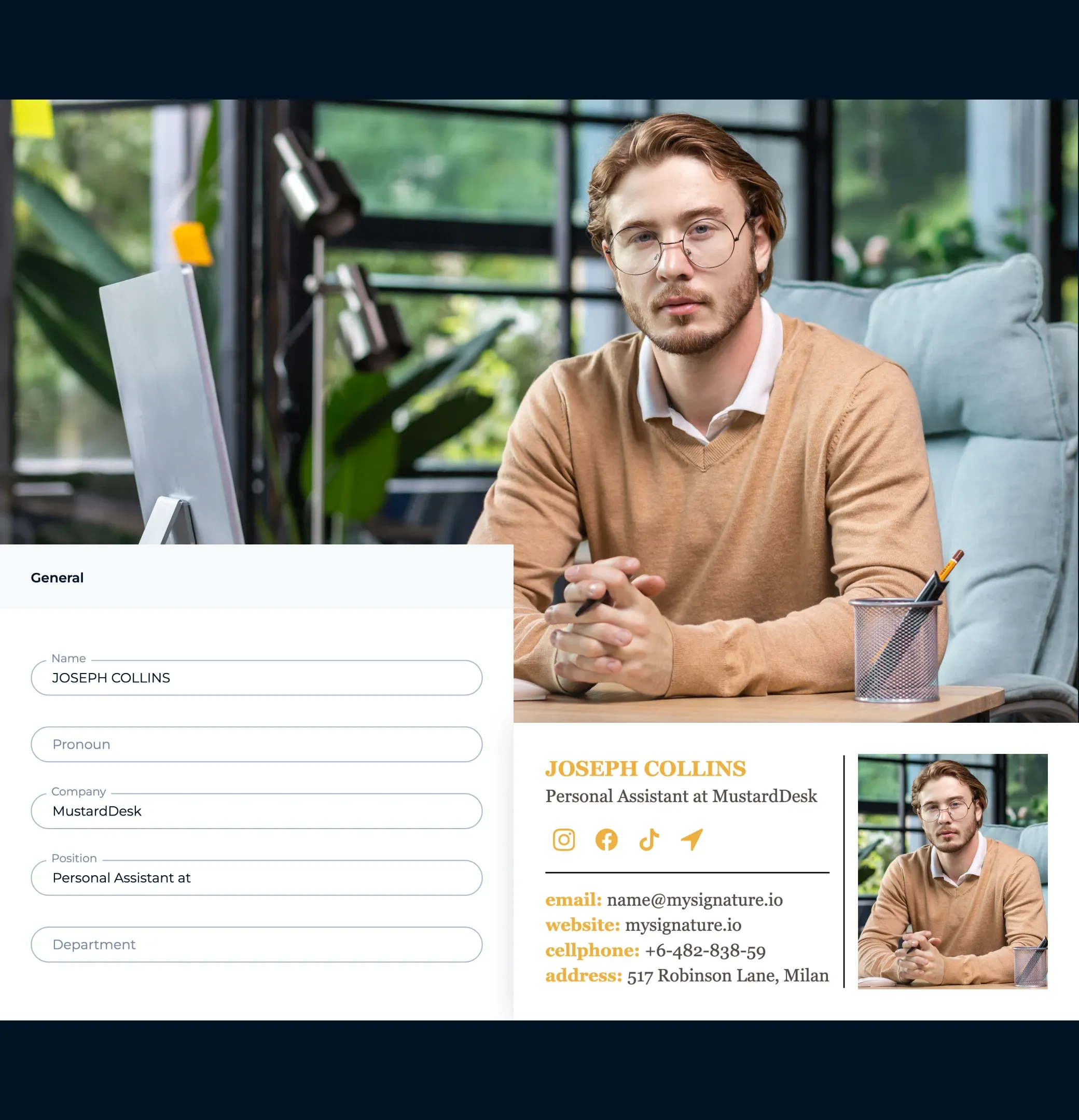
Provide multiple contact options
Include your email, office phone, mobile number, and a booking link if you manage appointments. Make it simple for people to reach you in their preferred way.
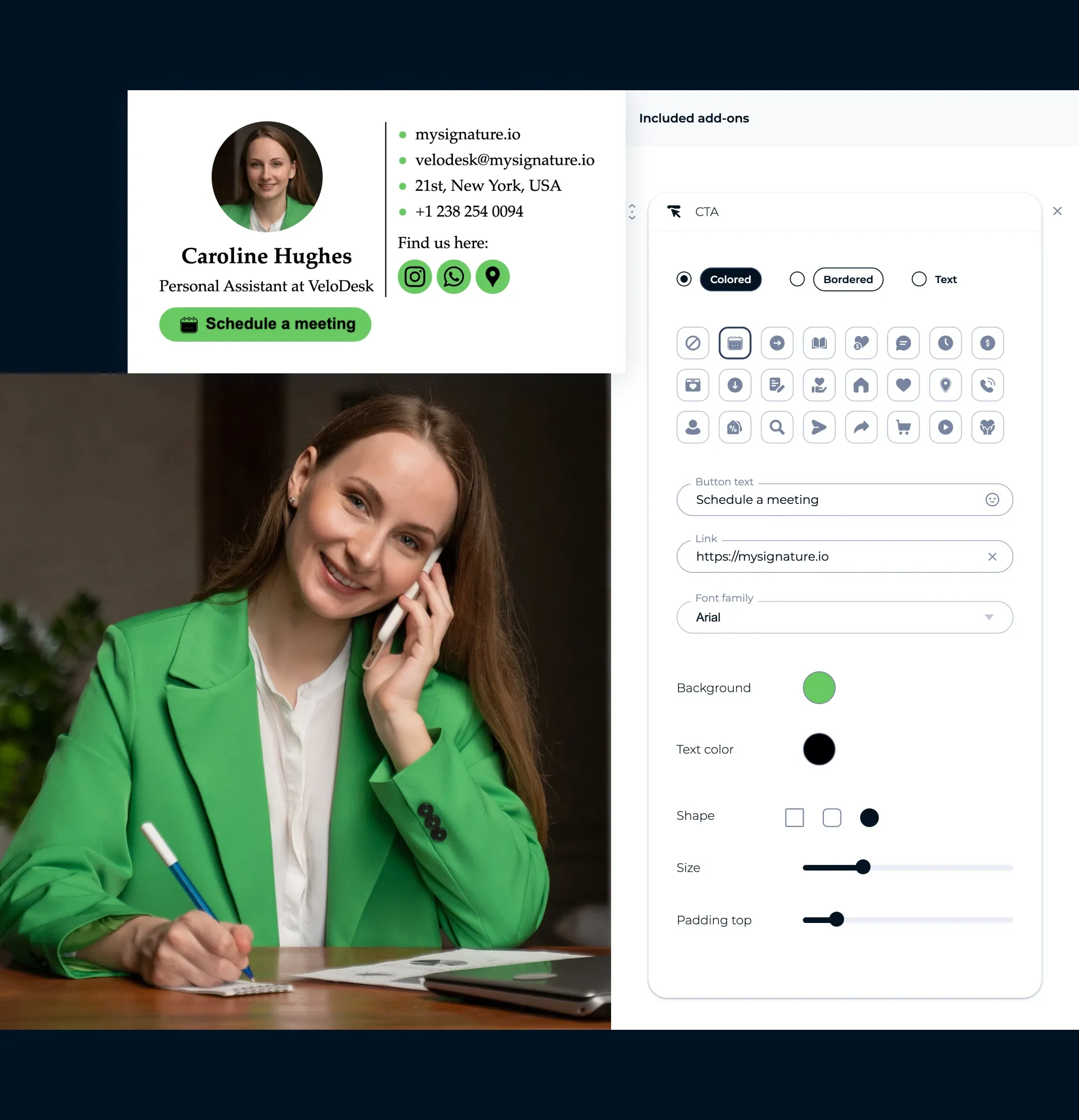
Link to your social profiles
Add clickable icons for LinkedIn or other relevant professional networks to keep connections engaged beyond the inbox.

Email signature templates for personal assistants
Get inspired by these professionally designed examples, all created with MySignature, to make your assistant service stand out in every email.
Browse email signature template gallery


What should you include in an assistant email signature?
When creating your CEO assistant or executive assistant email signature, keep it clear, polished, and easy to read. Here are the key elements that make a minimalist yet effective signature for assistants:
Name
Include your full name in your assistant email signature. If you already close your emails with your name in the message body, you can skip it here to avoid repetition.
Company and position
List the company or organization you work for and your exact role (e.g., CEO assistant, executive assistant, personal assistant). This instantly clarifies your position and the capacity in which you’re communicating.
Website URL
Add a link to the company’s website, executive bio, or booking page. This makes it easy for contacts to learn more, access resources, or schedule meetings.
Phone number
Include your phone number with proper formatting so mobile users can tap to call. If you coordinate with international partners, add the country code for easy dialing.

Roman Hotsiak
E-Mail- & SMS-Marketing
Ich habe tolle Erfahrungen damit gemacht. MySignature ist sehr einfach und stark anpassbar! Ich kann ganz einfach eine schöne professionelle Signatur für mein Team erstellen. Vielen Dank an den Support, der mir bei der Einrichtung einer geschäftlichen E-Mail-Signatur geholfen hat.

Mary McGuire
Business Consulting und Coaching
Mir gefällt die Menge an Informationen, die auf dem sonst verschwendeten Platz vermittelt werden kann. Besonders gut gefällt mir das Design und die einfache Handhabung.

KiwiOnTheSticks
Gaming Content Creator
Ich liebe MySignature! Es ist super einfach einzurichten und erlaubt sogar, Canva im Editor zu verwenden! Ich bin begeistert und empfehle es allen, die ihren E-Mails einen sauberen und professionellen Touch verleihen wollen.

João Mino
Übersetzer & Autor
Mir gefallen die gut gestalteten E-Mail-Signaturvorlagen von MySignature! Außerdem gibt mir der Gmail-Tracker die Möglichkeit, E-Mail-Aktivitäten nach dem Versand zu verfolgen. Zum Beispiel, ob der Kunde meine Rechnung erhalten hat oder nicht.


G2 Crowd


Capterra

Product Hunt


Trustpilot

Chrome Web Store
Create an assistant email signature template in 5 minutes or less
Let's make your signatureWith MySignature’s free signature editor, you can quickly design a professional email signature, digital business cards, and links in bio pages.
Explore more email signature template categories
Want to see more templates? Here are other categories of modern email signature templates you can check out.